- Cloud interface
- Manage screen
- Dashboards
- Widgets
Formatted Field Value Widget
Features common to all Widgets and general Dashboard info can be found on the Widgets section of the manual.
General Dashboard and Widget info#
Features common to all Widgets and general Dashboard info can be found on the Widgets section of the manual.
Description#
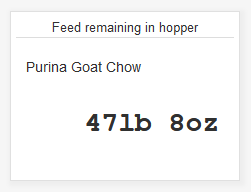
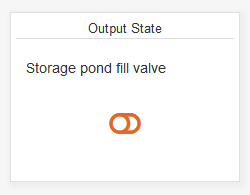
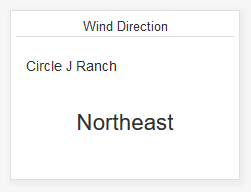
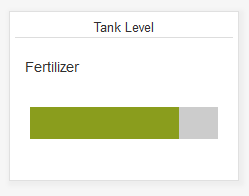
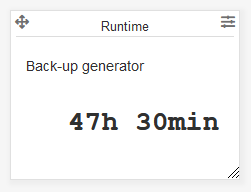
The eze.io Formatted Field Value widget displays the Field value as it is shown in the “View” column of the “Fields” and “Status” tables. This formatting converts the numeric value to one of several options available from the “Display format in view” setting of each Field.
Minimum size - 3 grid units
Settings#
Widget name#
Appears top and center of widget
Select field/s#
A drop down menus provide the means to link to a specific “Field”, from the desired ezeio. For more information see mapping on the widgets page.
Text#
Enter text to be displayed to the left of the Field value
Last updated Sep 24, 2021